Backup internet, built for short-term rentals.
Waveform Internet keeps a second connection live at every property, so the lock, the cameras, and the guest Wi-Fi stay up at all times.
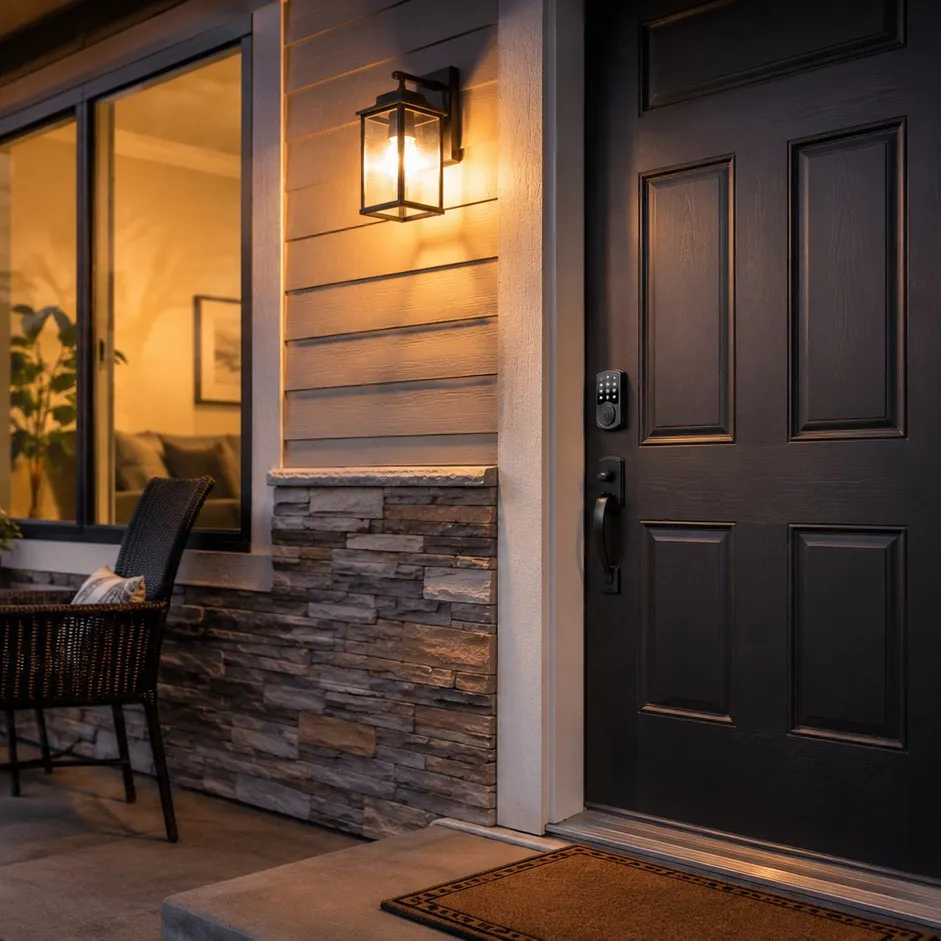
"With Waveform, it actually works. My primary ISP can drop completely, and my connection stays alive without me even noticing."
Bob R. Verified buyer
30-day free returns · No contracts · Preconfigured for each property
You've had this message at 11pm.
The guest notices first, then the smart lock, then your review score, and the fix is a plug forty minutes away. You find out from a message instead of a monitor, and every hour of downtime is a refund you issue, a review you can't delete, and a booking you don't get next month.
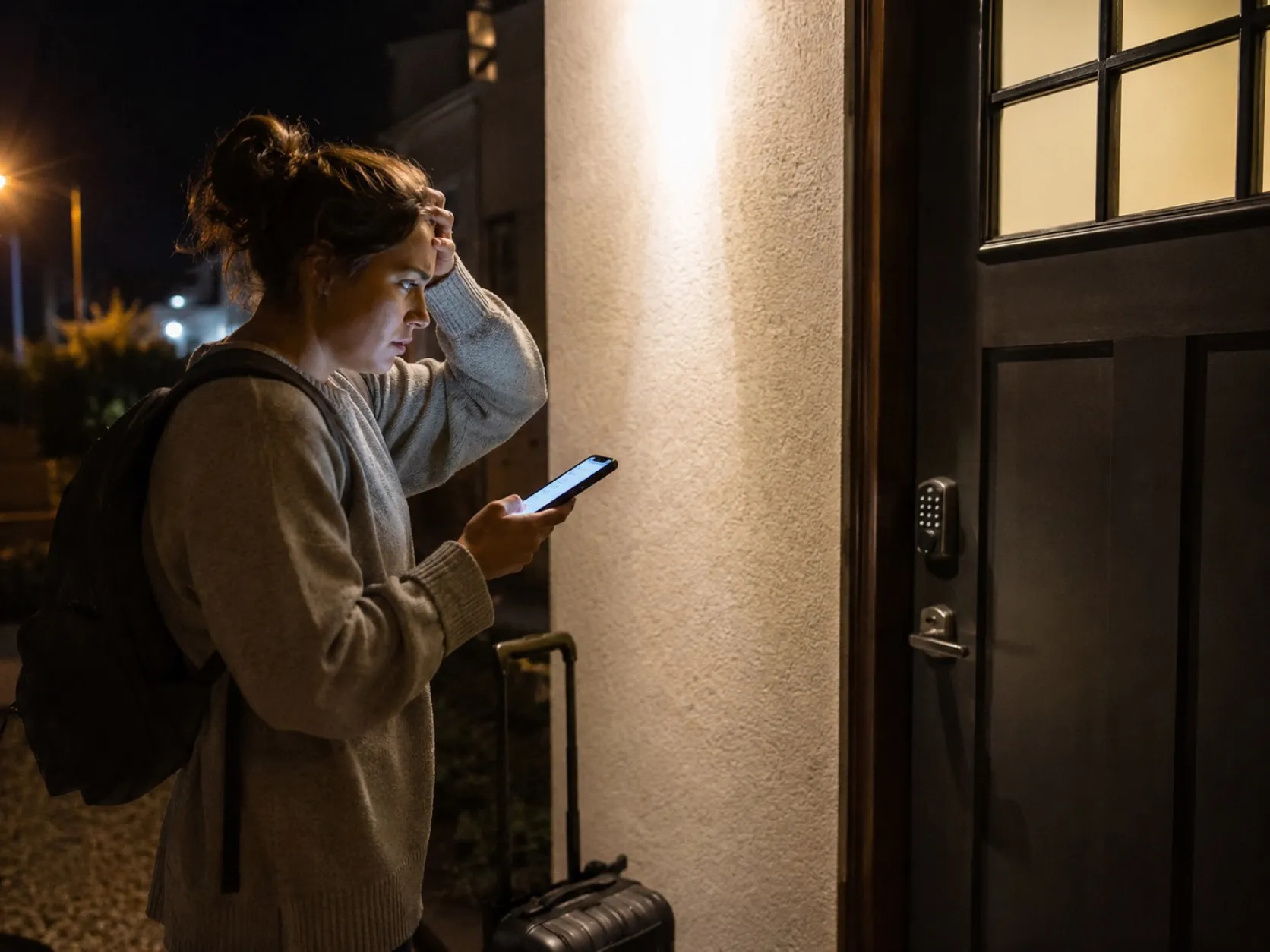
The 11pm lockout.
The guest lands late, the smart lock waits on a code, and the code waits on the internet. Your phone lights up while they stand in the dark.

The workcation refund.
Three weeks, booked specifically for the "fast Wi-Fi" in your listing. On day two it drops, and the refund request lands before the connection comes back.
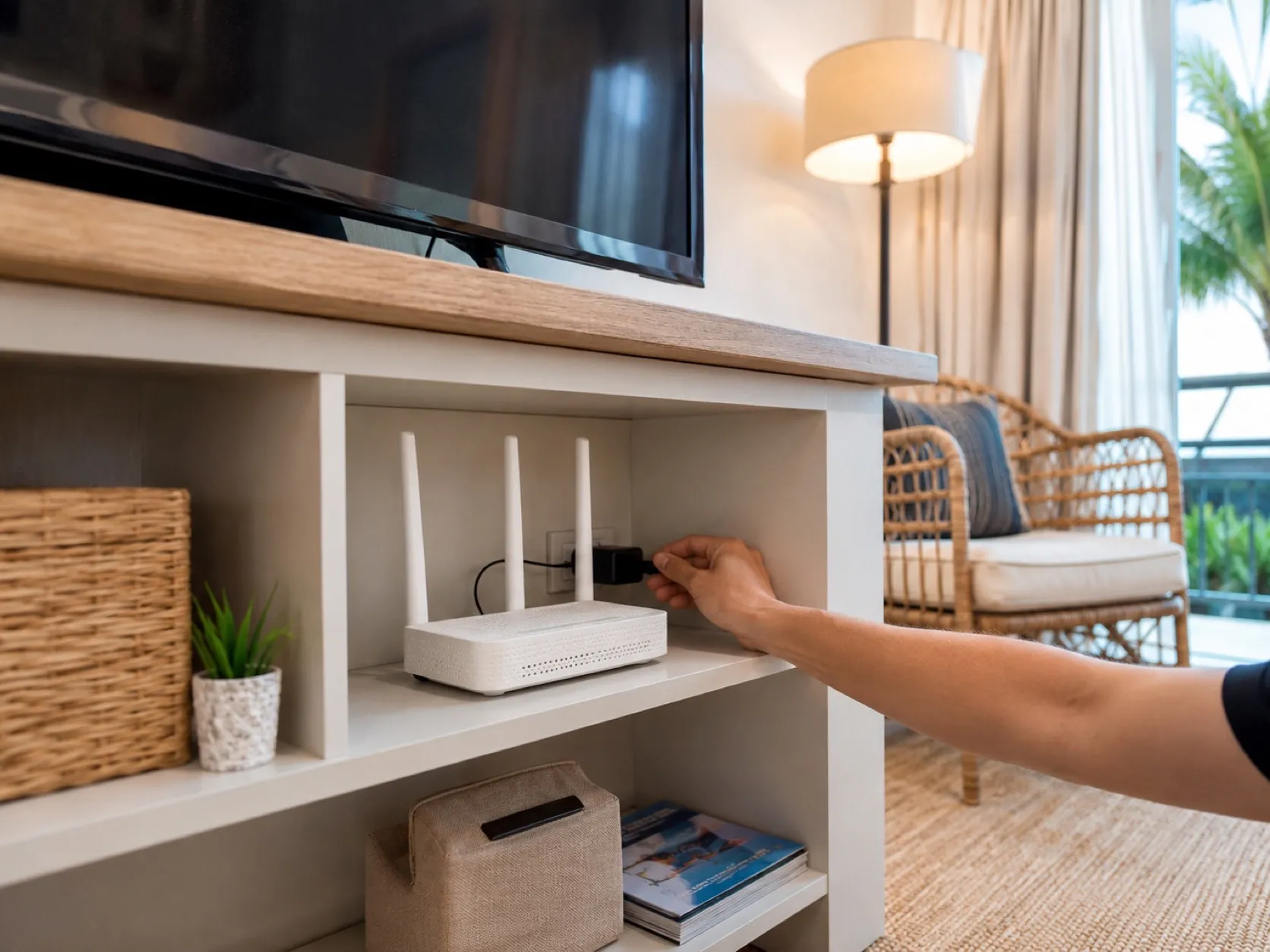
The forty-minute reboot.
The fix is pulling a plug for ten seconds. But that plug is forty minutes away, and the guest is watching the spinner.
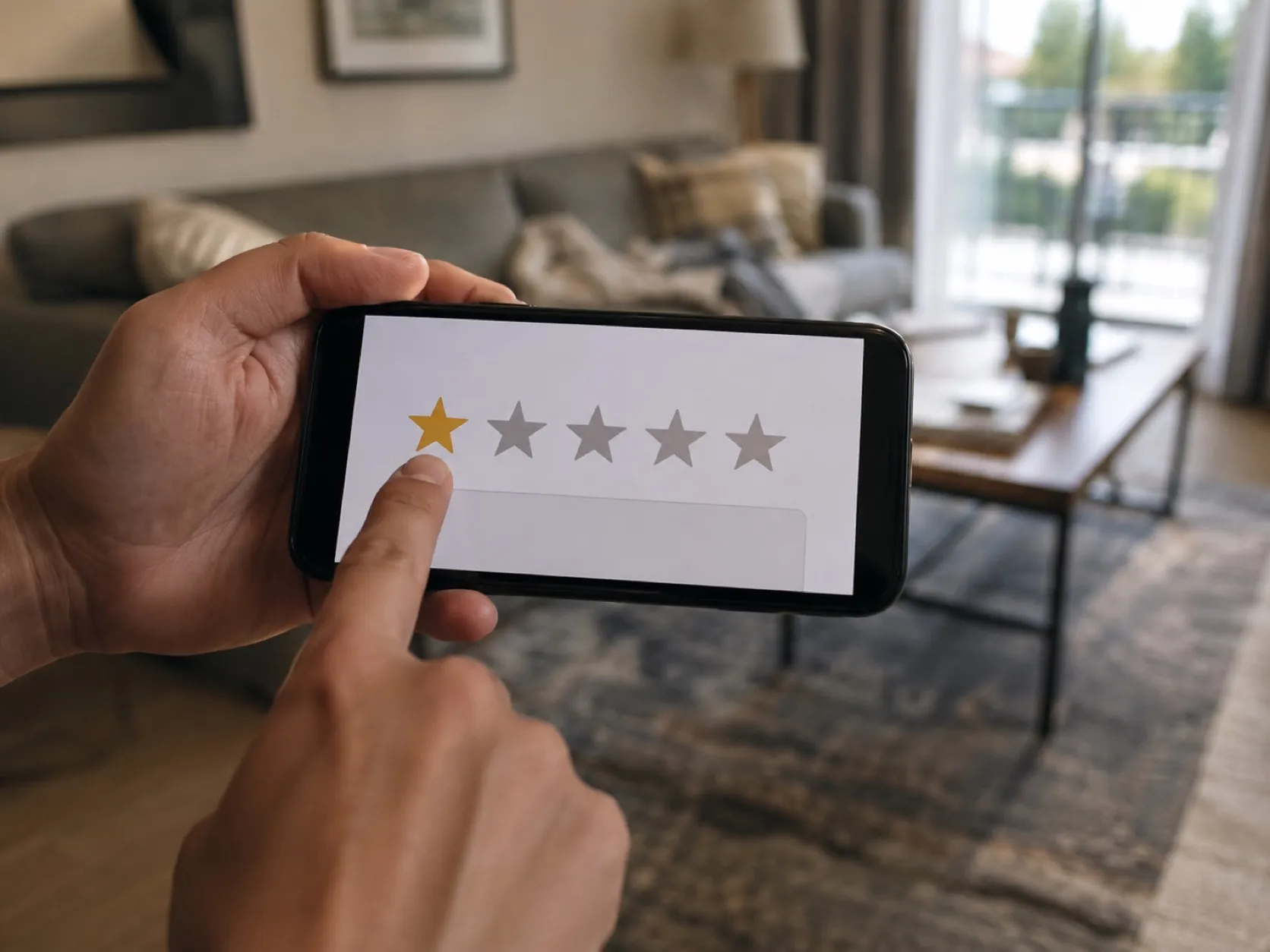
The permanent review.
The Wi-Fi died for one evening of a three-night stay. The review mentions nothing else, even after the connection returns.
What's actually breaking
Usually, it's not the lock, or the app, or the guest's phone. It's the one internet line into the property, and everything riding on it.
Today: one connection, one failure point
Smart lock, thermostat, cameras, noise monitor, the guest's TV. In a rental, everything hangs off one residential internet line, and the only person on site is the guest. Every fix starts with a favor and a drive.
With Waveform: multiple networks already working
Waveform adds a 5G connection on a different network and keeps it active alongside your existing ISP. Critical traffic, like lock codes, bookings, and payments, can ride both connections at the same time. If one path fails, the other is already carrying traffic.
What Waveform Internet customers say
"We went from $780/month with mediocre performance and a ton of overhead, to $125/month with better performance and basically zero overhead. Someone on their team is actually watching our connection and reaches out before I even notice something's off. This stuff used to require an IT department or an expensive consultant."
Verified buyer · April 2026
"We switched to Waveform from T-Mobile and have had a very positive experience. Our speeds and reliability have improved significantly. … Most importantly, their customer service is top-notch. No chatbots, just real people."
Verified buyer · March 2026
Rated 5.0 by verified Waveform Internet customers. From the team behind Waveform, with 100,000+ systems deployed across all 50 states.
Built for the way your rentals actually work.
Waveform Internet runs your existing ISP and a 5G connection at the same time. You get a second path to the internet, active before you need it.
Multiple active networks
Your wired ISP and cellular connection have different failure modes. If one drops, slows down, or gets congested, your property still has a live path out.
Selective bonding for critical traffic
Lock codes, bookings, payments, and other sensitive traffic can use both connections at once for smoother failover. Less critical traffic uses whichever connection is performing best.
Managed by people who know the system
We configure the hardware, supply the SIM, monitor the connection, and handle support. One service, one bill, one team to call.
How bonding and automatic failover work
Your existing ISP carries most everyday traffic. Multiple 5G connections on separate cellular networks run alongside it, active all the time. Lock and booking traffic goes through an encrypted bonded tunnel, using every available connection at once and exiting through one persistent public IP. Everyday traffic, like guest Wi-Fi and streaming, uses the best available single connection.
Built for your rentals, starting at
$140/month
On Smart tier backup configuration with Selective Bonding. Includes hardware, SIM, 5G data, monitoring, and support. No setup fee.
Setup in 5 minutes. No professional installation.
Most internet redundancy turns into a project.
The usual options are a service visit, booked weeks out and squeezed between bookings, or a DIY build with hardware, SIMs, failover rules, testing, and ongoing maintenance. Both need someone on site. At a rental, nobody is.
Waveform Internet doesn't.
Every unit ships preconfigured for the property it's going to. The SIM is installed, the hardware is tested, and the location is already in our monitoring system. Attach the antennas, connect your existing internet line, plug in power, and it comes online.
Delivered
3 to 5 days · Preconfigured for each property
Plug in
Under 5 minutes · No IT needed
Online
Immediately · Multiple networks active
Monitored
24/7 · We usually see issues first
We monitor everything 24/7
Every connection is monitored 24/7 so unexpected outages get caught early. When latency rises, packet loss appears, or cellular signal degrades, our team sees it and fixes it. And if you do need to talk to us, you'll connect directly to the engineers monitoring and fixing it.
Acknowledged in
8 min avg
15 min max
Most issues resolved in
15-20 min avg
30 min max
After-hours resolution
~1 hr avg
1.5 hr max
Not sure where to start?
Talk to the people who built Waveform Internet. Tell us a little about your rentals and we'll look at your properties, your current setup, and what actually needs protecting, then tell you what we'd recommend.
Thanks, we've got it. One of the team will get back to you about your setup. If you'd rather not wait, check availability at your address in the meantime.

Marcus

Austin

Sisanda

Ruan

Moe

Conold
Common questions from short-term rental hosts
If your question isn't here, ask us directly.
Will this work with smart locks and the rest of the stack?
Yes. We sit a layer below your devices, at the network level, so there's nothing to integrate and nothing to break. Smart locks, thermostats, cameras, noise monitors, a channel manager like Guesty or Hospitable: if it runs on ordinary internet, it runs on ours. The useful part is prioritization, so the lock gets served first while a guest streams in 4K.
Nobody lives on site. Who plugs it in?
Anyone who can reach an outlet. The unit arrives preconfigured for that property, so the install is attaching the antennas, connecting the existing internet line, and plugging in power. A cleaner or co-host can do it inside a turnover window, and we confirm from our end that everything came up healthy.
From then on, changes and troubleshooting happen remotely. The drive across town to reboot a router is the exact chore this replaces.
What happens during an internet outage?
From the guest's side, ideally nothing. Traffic moves to the surviving connection on its own, and anything bonded, lock codes, bookings, and payments included, was already traveling both paths when the failure hit. The alert lands with our team, not in your guest messages.
How fast is it?
Enough that guests never think about it. Streaming, video calls, and a house full of smart devices are a modest load by internet standards, and most of it runs at the native speed of your healthiest connection.
The bonded path is the one exception: it trades top speed for resilience and tops out around 200 Mbps. That ceiling is the hardware doing the encryption, not a cap we've set, and it applies only to traffic in the bonded lane. A lock code weighs almost nothing, so the traffic that matters never gets near it.
I manage more than one listing. How does that work?
One account, one point of contact, centralized billing, and a separately preconfigured unit for each address. A beach condo and a mountain cabin two states apart can both be covered, each sized for its own coverage picture. Adding a property you've just picked up is a shipping address, not a project.
Monitoring runs 24/7. Our team is staffed from 6am Eastern to 9pm Pacific, which covers check-in time in every market you list in.
What hardware do you ship me?
A Core Router configured for your specific property, with 5G built in and the SIM already seated. Where a design calls for extra cellular capacity or another network, we add an Add-On Modem. All of it is commercial-grade Peplink equipment meant to run around the clock. If the property needs unusual mounting or antennas, we work that out with you before anything ships.
How long until we're online after we order?
About a week, and most of that is shipping. We spend a day or two on configuration before the unit goes to the courier for 3 to 5 days, and the install at your end is measured in minutes. Hosts with several listings can bring properties online in parallel; the pace is usually set by turnover days rather than by anything on our side.
If an address looks like it will need an antenna survey or custom mounting, we say so before you order, not after.
Do guests need to do anything differently?
No. The Wi-Fi name and password in your welcome message stay exactly as they are, and every device in the property connects the way it always has. We work upstream of all that, deciding which path traffic takes out of the building. The guest never sees any of it, which is the point.
How do I know it's working if I'm not there?
Because we are. The connection is monitored around the clock, issues get acknowledged in 8 minutes on average, and we get in touch when something needs a decision from you. You don't find out from a guest message.
There's deliberately no customer dashboard to babysit. Monitoring is part of what you're paying us to do, so we do it, wherever you happen to be. The honest exception is power, which no internet product fixes: a small UPS on the router keeps the lock reachable through a blip, and we'll tell you what to plug in where.
What's the difference between failover and bonding?
Failover is sequential. One connection dies, another takes over, and there's a gap while that happens, which is how most backup products behave.
Bonding removes the gap by running connections simultaneously. We bond selectively, reserving it for traffic where an interruption costs money, like lock codes, bookings, and payments, and let everything else fail over intelligently instead.
Do I need a technical person to set this up?
No. Configuration happens here before we ship, and the physical install is antennas, two cables, and a wall outlet. Anything that needs adjusting later, we adjust remotely. Nobody has to become the network person, least of all your cleaner.
How does this compare to T-Mobile Business Internet Backup?
It's a reasonable product for what it is: one 5G connection that steps in after your ISP fails, at a lower price than ours. If a brief gap during the switch is tolerable and nobody needs to be watching it for you, it may well be enough for some properties.
We're built for the properties where the gap is the problem. Multiple connections running at once, bonding on the critical traffic, hardware and SIM included, monitoring around the clock and a team on the other end of it. The extra cost buys the difference between a spare tire and a second engine already running.
How does this compare to SD-WAN services like Bigleaf?
SD-WAN platforms mostly assume ingredients you already own: a second connection installed, compatible hardware, and someone comfortable writing and maintaining failover policy. We show up with all of it in the box: connection, plan, router, configuration, monitoring, support.
If you have an IT team that wants to run the stack, SD-WAN done well is a fine route. If you'd rather buy the outcome than assemble the parts, that's what we're for.
Can I use this as my primary internet?
Yes, and for rentals it's often genuinely the right call. Cabins past the fiber map, new builds still waiting on wired internet, listings where opening a wired account means a landlord signature: cellular becomes the property's internet, and the resilience comes from running more than one network at once. Where a workable wired line exists, keep it; it plus cellular gives you two kinds of infrastructure instead of one.
Does this work in rural areas without fiber?
Often that's exactly where the listing is, and yes, with a condition: it works where there's usable cellular signal, and coverage out there is uneven. We test against the exact address before anything ships and tell you plainly what we found. Borderline addresses usually come right with an external antenna; addresses with genuinely nothing get told so, not sold to.
Does this work with Starlink?
Yes, happily, and for deep-woods and off-grid listings it's often the best architecture available: satellite and cellular fail for completely different reasons, and neither depends on the wires down the road. We'll manage the dish as one of the connections and keep the lock and bookings riding whichever paths are healthy.
How much data does it use? Are there overage fees?
No overage fees, ever, and everyday traffic carries no cap at all. The bonded path is the only thing we meter: 250 GB a month on Smart. Because only lock codes, bookings, and payments travel bonded, rentals sit nowhere near it, and a guest streaming all evening rides the everyday lane without counting.
If you do go over, we'll usually just cover it. If it becomes a monthly habit, we'll come to you about a bigger allowance rather than let it turn up on a bill.
What if it doesn't work at one of my properties?
Send everything back inside the first 30 days for a full refund, hardware included, with no restocking fee and no one making it awkward. It doesn't happen often, because coverage gets checked at the address before we ship, but the exit stays open.
Is there a contract?
No. The service is month to month; leave whenever you like. Hardware works one of two ways: buy it upfront and it's yours from day one, or rent it monthly for as long as you're a customer and send it back when you stop. And the first 30 days work like a trial: if it's not the right fit, everything goes back for a full refund.
Can I keep my existing router or networking gear?
Usually, yes. We slot in upstream of your current router and take over the multi-WAN decisions, and everything behind it keeps working exactly as it does today. Setups with more moving parts, like mesh Wi-Fi, hardwired cameras, or gear pinned to fixed addresses, get a design review with us before anything ships.
Backup internet that keeps your guests' Wi-Fi running.
30-day free returns. No contract. Real human support to keep your business online.
Running a different business?
Every business breaks differently when the internet goes down. Pick the industry closest to yours and we'll show you what we protect and what it costs.